
Sharing sites with magic authentication#
Magic authentication asks every visitor of your shared site for their email address before they can see it. You decide which addresses get in: anyone, everyone from your company's email domain, or a list of specific people.
Visitors see a login page in their browser instead of a basic authentication popup, which makes it a friendly way to share a staging site or a work in progress with a client or your team.
Require an email address#
To ask visitors for an email address and accept any valid one, add --magic-auth:
expose share my-site.test --magic-auth
When you share a site from its project directory, the option works the same way:
expose --magic-auth
Choose who gets in#
Pass a comma-separated list of the addresses to accept. An entry that starts with @ accepts every address at that domain, and any other entry accepts exactly that address:
# Everyone with a @company.com address
expose share my-site.test [email protected]

# Two email domains
expose share my-site.test [email protected],@agency.com

# Specific people
expose share my-site.test [email protected],[email protected]

# Your team and one client
expose share my-site.test [email protected],[email protected]
Expose compares addresses without regard to case. A domain entry only matches that exact domain, so @company.com accepts [email protected] but not [email protected].
Once the share is running, the connection table shows which addresses are accepted:
Shared site              my-site.test
Dashboard                http://127.0.0.1:4040
Public URL               https://my-site.sharedwithexpose.com
Magic Auth               Enabled (@company.com, [email protected])
What visitors see#
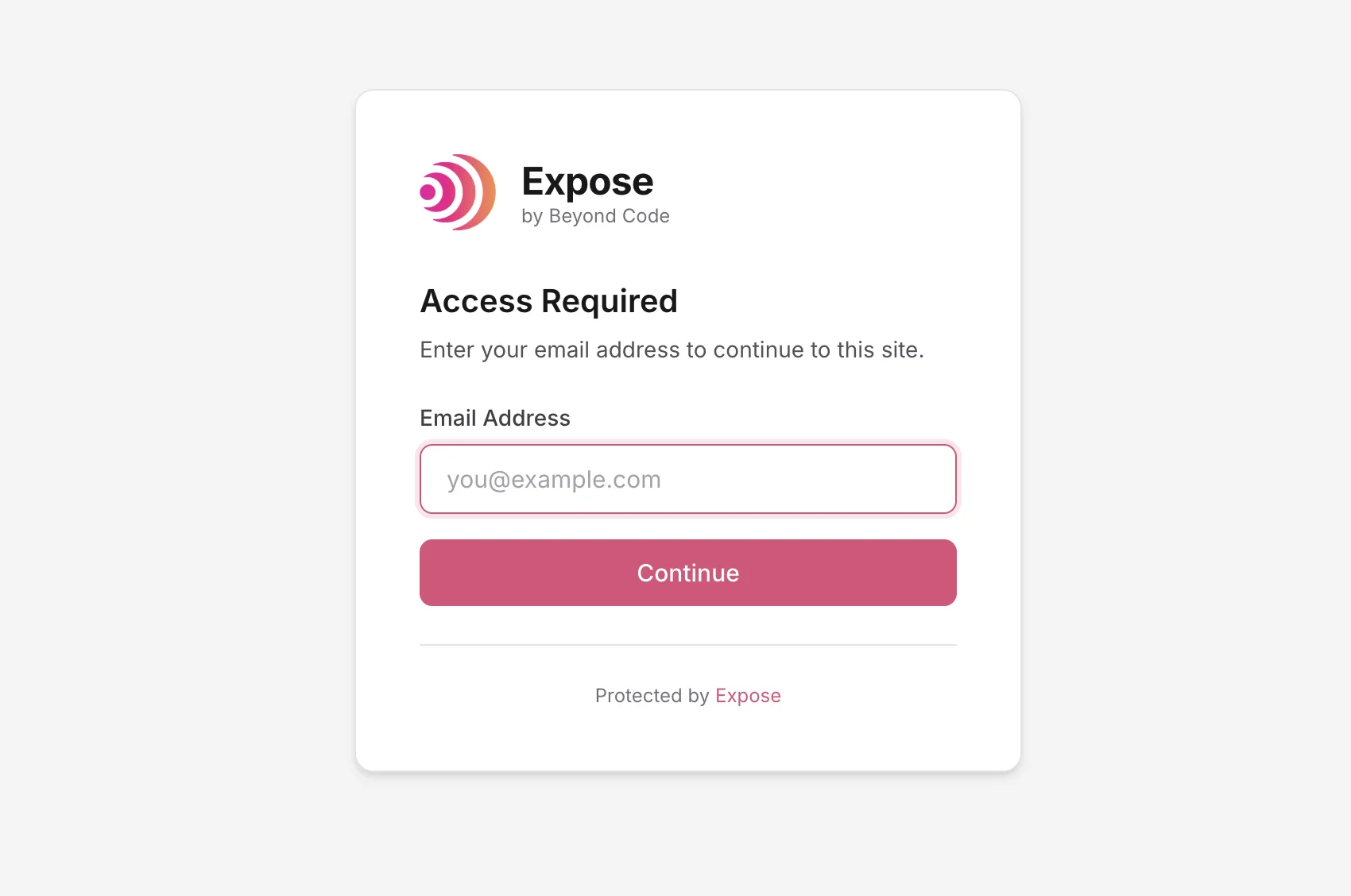
- A visitor opens your shared URL and sees an "Access Required" page that asks for their email address.
- If the address isn't valid or isn't on your list, the page tells them and they can try again.
- If it is accepted, Expose sets a cookie and sends them on to the page they first asked for.
The cookie keeps them signed in for 7 days. Visitors have to enter their email address again when you restart Expose, because each Expose session signs its cookies with a new key.
Security#
Expose doesn't send an email to the address a visitor enters, so it can't confirm that the address belongs to them. Anyone who knows or guesses an accepted address can open the site. Use magic authentication to keep a shared site away from people who stumble on its URL, and add a password with basic authentication when that isn't enough.
If you pass both --basicAuth and --magic-auth, visitors need the password first and then an accepted email address.
Combining with other options#
Magic authentication works together with the other options of expose share:
# A custom subdomain
expose share my-site.test --subdomain=demo [email protected]

# A custom domain
expose share my-site.test --domain=mycompany.com --magic-auth

# A share on your local network
expose share my-site.test --lan [email protected]
Magic authentication needs Expose 3.2 or later. expose catch-all and expose share-port don't take the option.